





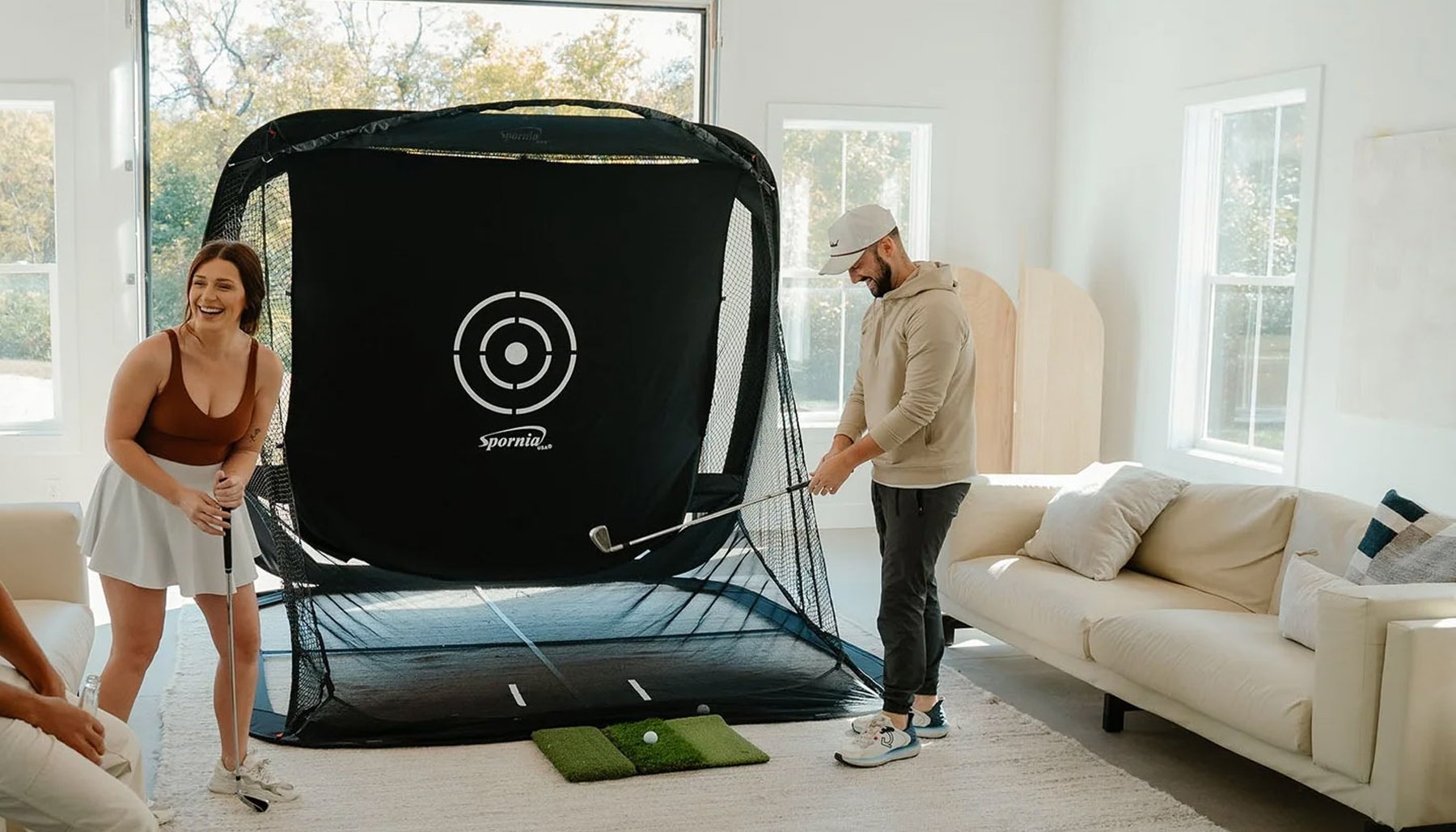
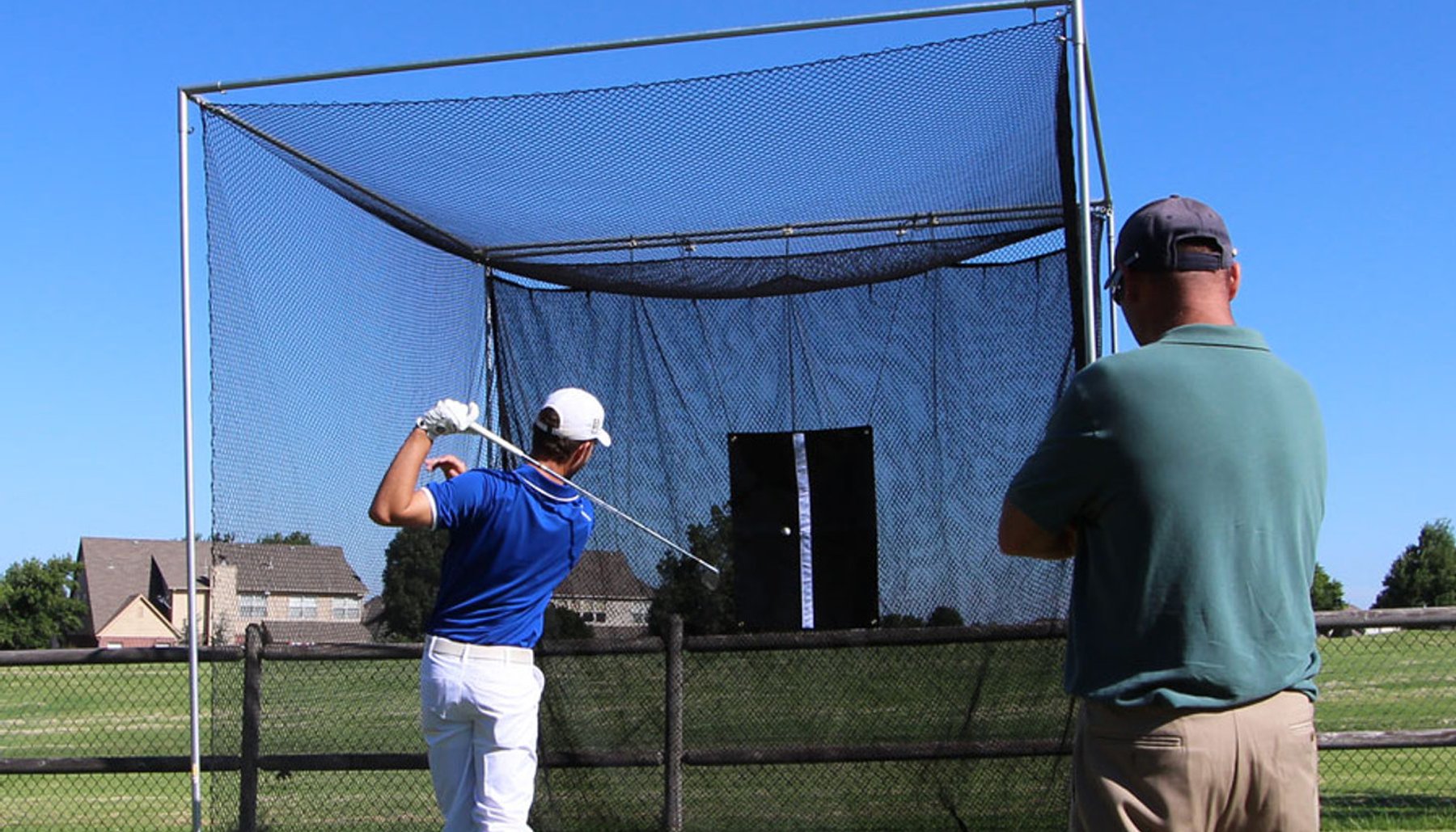

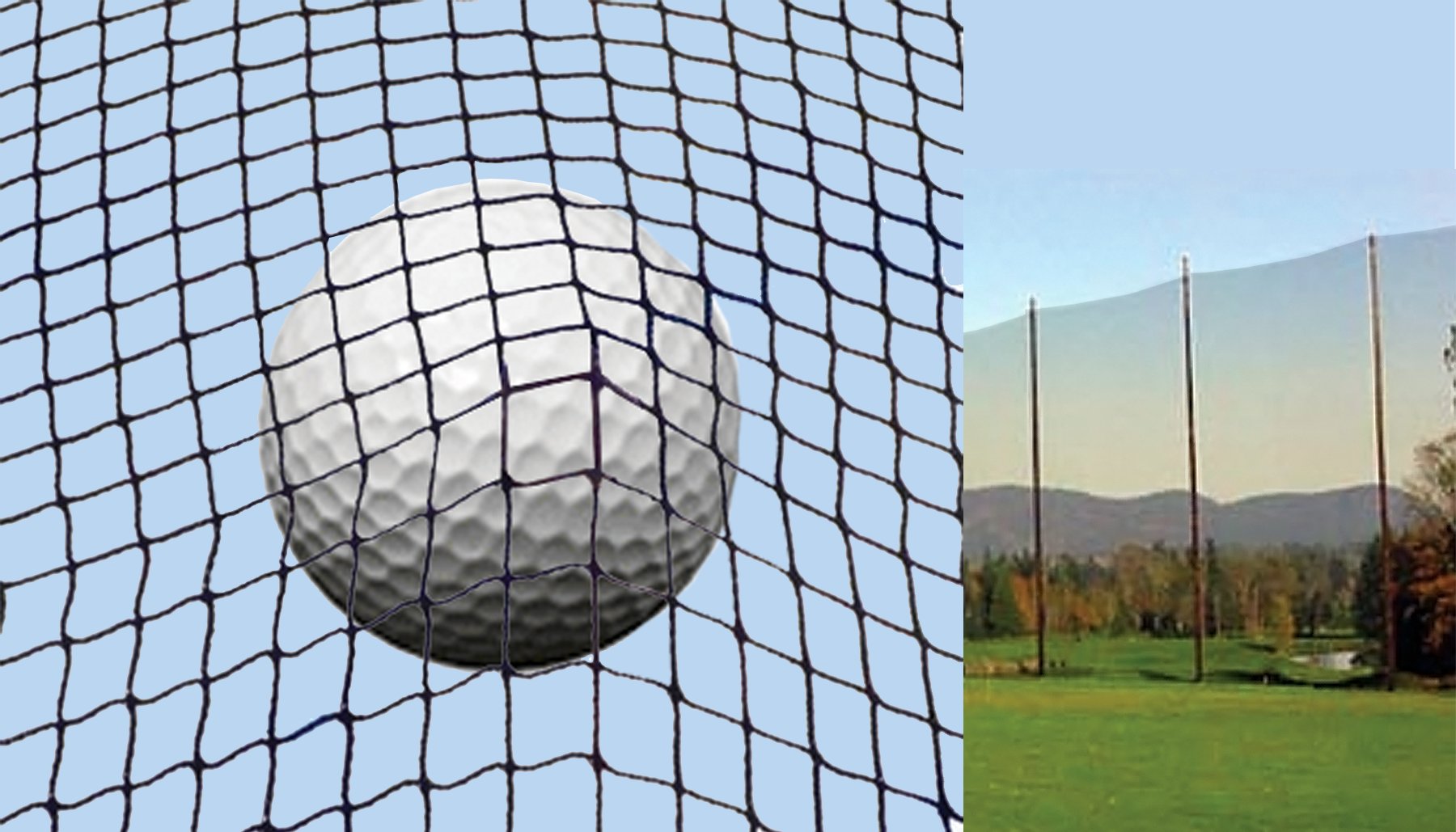

Your golf simulator impact screen takes thousands of golf-ball strikes while also serving as the projection surface for your simulator.
Over time, dirt from golf balls, clubfaces, hands and the surrounding room can affect the appearance of the screen.
Proper care can help keep your impact screen looking better and performing as intended.
One of the most important rules is also one of the simplest:
Keep dirty and damaged golf balls away from your impact screen.
Preventing marks and unnecessary wear is usually easier than trying to remove them later.
Why Do Golf Impact Screens Get Dirty?
Golf impact screens can collect marks from several sources.
Common causes include:
- Dirty golf balls
- Grass stains
- Sand
- Mud
- Dirty clubfaces
- Scuffed golf balls
- Damaged golf balls
- Dust
- Handling during installation or adjustment
Golf balls that have been used outdoors deserve particular attention.
Even when a ball looks fairly clean, dirt can remain in the dimples.
Repeatedly striking those balls into the same area of an impact screen can transfer dirt to the screen.
Start With Clean Golf Balls
One of the easiest ways to protect an impact screen is to use golf balls that are reserved for indoor simulator use.
Before using a golf ball in your simulator, inspect it.
Look for:
- Dirt
- Grass
- Sand
- Mud
- Cuts
- Deep scuffs
- Rough edges
- Other surface damage
Clean golf balls before bringing them into the simulator.
If a ball is badly damaged, replace it rather than continuing to hit it into the impact screen.
Why Damaged Golf Balls Can Be a Problem
A golf ball doesn't have to be dirty to cause unnecessary screen wear.
Cuts, deep scuffs and rough areas can create a less-smooth surface.
When that damaged ball repeatedly strikes an impact screen at high speed, it may contribute to unnecessary wear.
Inspect simulator golf balls regularly and remove badly damaged balls from indoor use.
Clean Your Clubfaces
Golf clubs can also bring outdoor dirt into the simulator.
Before using clubs indoors, check the clubfaces for:
- Dirt
- Grass
- Sand
- Mud
- Debris in the grooves
This is especially important if you move directly from outdoor golf or the driving range to your simulator.
A simple habit of cleaning golf balls and clubfaces before indoor practice can help keep the entire simulator area cleaner.
Follow the Impact Screen Manufacturer's Cleaning Instructions
Not every impact screen uses the same material or construction.
Before using water, cleaning solutions, brushes or other cleaning methods, check the manufacturer's care instructions for your specific screen.
Those instructions should take priority over general cleaning advice.
Avoid assuming that a cleaning method that works on ordinary fabric or a standard projection screen is appropriate for a golf impact screen.
Remove Loose Dust First
If the screen has collected dust or loose debris, start with the least aggressive cleaning method.
The objective is to remove loose material without unnecessarily rubbing it deeper into the screen.
Depending on the manufacturer's instructions, this may involve gentle removal of surface dust before attempting to treat individual marks.
Avoid aggressive scrubbing.
Treat Marks Carefully
When a mark appears on the screen, resist the temptation to immediately use a strong household cleaner.
First identify what may have caused the mark.
Then follow the screen manufacturer's cleaning recommendations.
If spot cleaning is permitted, use only the method and cleaning products appropriate for that screen material.
Test cautiously when directed by the manufacturer.
Avoid Harsh Chemicals Unless Specifically Approved
Strong cleaning products may affect the screen material or projection surface.
Unless the screen manufacturer specifically approves a product, avoid automatically using:
- Bleach
- Strong solvents
- Abrasive cleaners
- Harsh stain removers
- Aggressive household chemicals
A golf impact screen isn't an ordinary wall or piece of upholstery.
It needs to continue functioning as both an impact surface and projection surface.
Don't Scrub Aggressively
Aggressive scrubbing may do more harm than the original mark.
Impact-screen material is repeatedly struck by golf balls and should be cared for according to its intended construction.
When cleaning is required, use the least aggressive approved method that addresses the problem.
Be Careful With Water
Don't assume an impact screen can simply be soaked or washed like ordinary fabric.
Different screen materials may have different care requirements.
Excess moisture could also reach:
- Flooring
- Frame components
- Electronics
- Launch monitor
- Projector equipment
- Other simulator components
Follow the screen manufacturer's instructions regarding water and moisture.
Let the Screen Dry Properly
If an approved cleaning method leaves the screen damp, allow it to dry according to the manufacturer's instructions before returning the simulator to normal use.
Don't immediately begin hitting golf balls into a wet or damp screen unless the manufacturer specifically says that is acceptable.
Keep Food and Drinks Away From the Screen
Golf balls aren't the only source of stains.
Food and drinks around the simulator can create difficult marks if they contact the screen.
This can be especially important in:
- Family simulator rooms
- Entertainment rooms
- Commercial indoor golf facilities
- Golf clubs
- Teaching studios
Keeping food and beverages away from the immediate impact-screen area can prevent avoidable stains.
Keep Hands Off the Screen When Possible
Repeatedly touching the impact screen can transfer oils and dirt from hands to the material.
There may be times when the screen needs to be handled during installation, adjustment or maintenance.
When handling is necessary, make sure your hands are clean.
Avoid using the screen as a curtain, wall or storage surface.
Don't Store Equipment Against the Impact Screen
Golf bags, clubs, boxes and other equipment shouldn't be leaned against the impact screen.
Objects pressing against the screen can affect its position and may transfer dirt or create unnecessary wear.
Keep the area directly in front of and behind the impact screen clear according to the enclosure and screen requirements.
Inspect the Screen Regularly
Don't wait until the screen has a major problem before looking closely at it.
Periodically inspect the impact screen for:
- Dirt
- Marks
- Unusual wear
- Loose areas
- Changes in tension
- Damage
- Problems around attachment points
Regular inspection can help you identify small issues before they become larger ones.
Pay Attention to the Main Impact Area
Golf balls often strike the same general area of the screen repeatedly.
That central hitting area may show wear sooner than other portions of the screen.
How quickly this happens depends on factors such as:
- Frequency of use
- Ball speed
- Number of golfers
- Screen construction
- Hitting position
- Golf-ball condition
Commercial simulators may accumulate far more impacts than a lightly used home simulator.
Screen Tension Matters
An impact screen shouldn't simply be stretched as tightly as possible.
Proper installation and tension depend on the screen and enclosure design.
Incorrect tension can affect:
- Ball response
- Screen movement
- Image appearance
- Screen wear
Follow the enclosure and screen installation instructions for the correct setup.
Leave Appropriate Space Behind the Screen
Impact screens need room to react when struck by a golf ball.
The required space behind the screen depends on the screen and enclosure design.
Avoid placing walls, hard objects or equipment too close behind the impact surface if doing so conflicts with the installation requirements.
The area behind the screen should be planned when the enclosure is installed, not after the simulator is finished.
Protect the Screen From Sharp Objects
Keep sharp tools and objects away from the impact screen.
Be especially careful during:
- Installation
- Projector work
- Frame adjustments
- Room remodeling
- Moving furniture
- Simulator maintenance
A screen designed to withstand golf-ball impacts can still be damaged by an inappropriate sharp object.
Keep the Simulator Room Clean
Dust and dirt in the room eventually find their way onto simulator equipment.
Regularly cleaning the surrounding simulator area can help reduce the amount of debris reaching the screen.
Pay attention to:
- Floors
- Golf mats
- Shelves
- Club storage
- Nearby furniture
- Garage floors
- Basement floors
Garage simulators may require additional attention because vehicles, tools and open garage doors can introduce more dust and dirt.
Golf Mats Can Carry Dirt Too
If your golf mat is used only indoors, keeping it clean is relatively simple.
If turf or mats are moved between indoor and outdoor locations, inspect them before placing them near the impact screen.
Dirt, grass and debris can be transferred to golf balls and clubs and eventually reach the screen.
Home Impact Screen Maintenance
A home golf simulator may have fewer users than a commercial facility, but regular maintenance still matters.
A simple routine can include:
- Inspecting golf balls before use
- Cleaning clubfaces
- Checking the impact screen
- Keeping the golf mat clean
- Keeping food and drinks away from the screen
- Checking screen attachment and tension
- Keeping the simulator room clean
The easier the routine is, the more likely you'll continue doing it.
Commercial Impact Screen Maintenance
Commercial golf simulators can experience significantly more use.
Many different golfers may bring their own clubs and golf balls into the facility.
That makes routine inspection particularly important.
Commercial operators may want a regular procedure for:
- Inspecting the screen
- Checking hitting areas
- Removing damaged golf balls
- Cleaning simulator equipment
- Inspecting enclosure components
- Checking screen attachment
- Following the manufacturer's maintenance recommendations
Don't Forget Image Quality
An impact screen isn't just there to stop golf balls.
It's also the surface on which the simulator image is projected.
Dirt and marks may become more noticeable when the projector is operating.
Keeping the screen clean can therefore help preserve the appearance of the simulator image.
Projector brightness, room lighting, screen material and screen color also affect the final image.
When Should an Impact Screen Be Replaced?
Impact screens are wear items.
Eventually, repeated golf-ball impacts can create enough wear that replacement becomes appropriate.
There isn't one universal replacement schedule because screen life depends on:
- Screen construction
- Frequency of use
- Ball speed
- Number of golfers
- Installation
- Screen tension
- Golf-ball condition
- Maintenance
Follow the screen manufacturer's guidance and inspect the screen regularly.
If you're uncertain whether continued use is appropriate, contact the manufacturer or supplier for guidance.
Golf Impact Screen Care Checklist
Use this checklist to help protect your impact screen:
- Use clean golf balls.
- Remove badly cut or damaged golf balls from simulator use.
- Clean dirt, grass and sand from clubfaces.
- Follow the screen manufacturer's cleaning instructions.
- Avoid harsh chemicals unless specifically approved.
- Don't aggressively scrub the screen.
- Follow manufacturer guidance before using water or cleaning solutions.
- Keep food and drinks away from the impact area.
- Handle the screen with clean hands when necessary.
- Don't store equipment against the screen.
- Inspect the main impact area regularly.
- Check screen attachment and tension.
- Maintain the required space behind the screen.
- Keep sharp objects away from the screen.
- Keep the surrounding simulator room and golf mat clean.
Prevention Is the Best Impact Screen Maintenance
The easiest impact screen to clean is the one you keep from becoming excessively dirty in the first place.
Start with clean golf balls.
Keep clubfaces clean.
Keep the simulator room clean.
Inspect the screen regularly.
And follow the manufacturer's cleaning and maintenance instructions for your particular impact screen.
A few simple habits can help protect both the appearance and useful life of your golf simulator impact screen.
Related Golf Simulator Guides
Ask SARA
America's Golf Simulator Enclosure Expert™
The simplest way to help an impact screen last longer is to prevent unnecessary dirt and wear before it starts.
Use clean golf balls, remove badly damaged balls, keep clubfaces clean, inspect the screen regularly and always follow the screen manufacturer's cleaning instructions.
Prevention is usually easier than trying to remove marks later.
Compare America's Golf Mats Golf Simulator Enclosures → Explore the Golf Simulator Enclosure Learning Center →
Reviewed by David Quail — America's Golf Mats
Golf products industry experience since 1997.
Golf simulator enclosure manufacturing experience dating to 2010.
Meet David Quail - Golf Simulator Enclosure Expert →
