




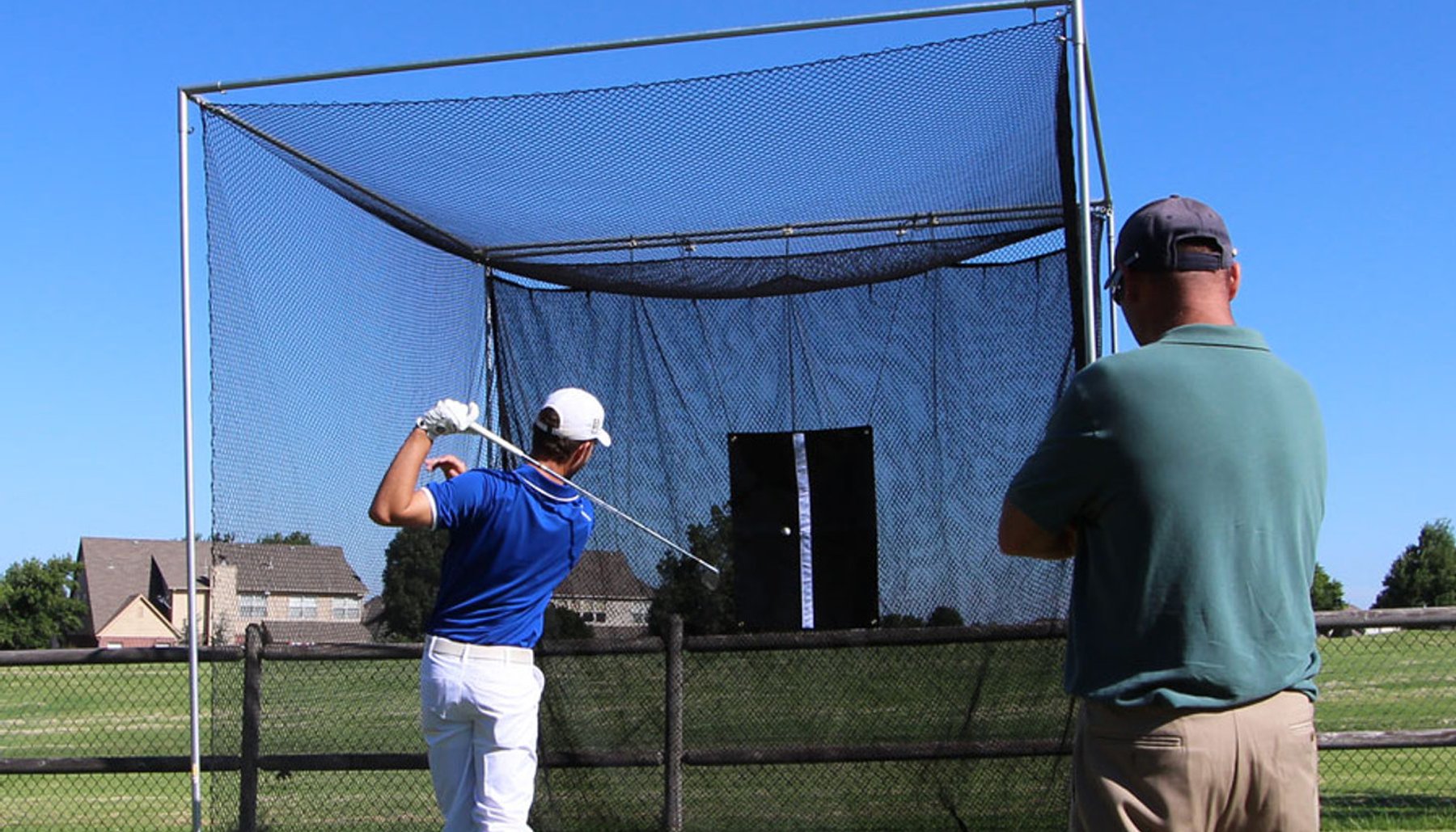


The best golf simulator enclosure is the one that fits your available room, allows you to make a full golf swing, works with your impact screen, projector and launch monitor, and provides the level of golf-ball containment you need. Measure the room and test your swing before selecting the enclosure’s height, width and depth.
Start with your room.
There isn't one golf simulator enclosure that is best for every golfer or every simulator room.
The best golf simulator enclosure for you is the one that works with your available space, golf swing, simulator equipment, desired level of ball containment and the way you plan to use your simulator.
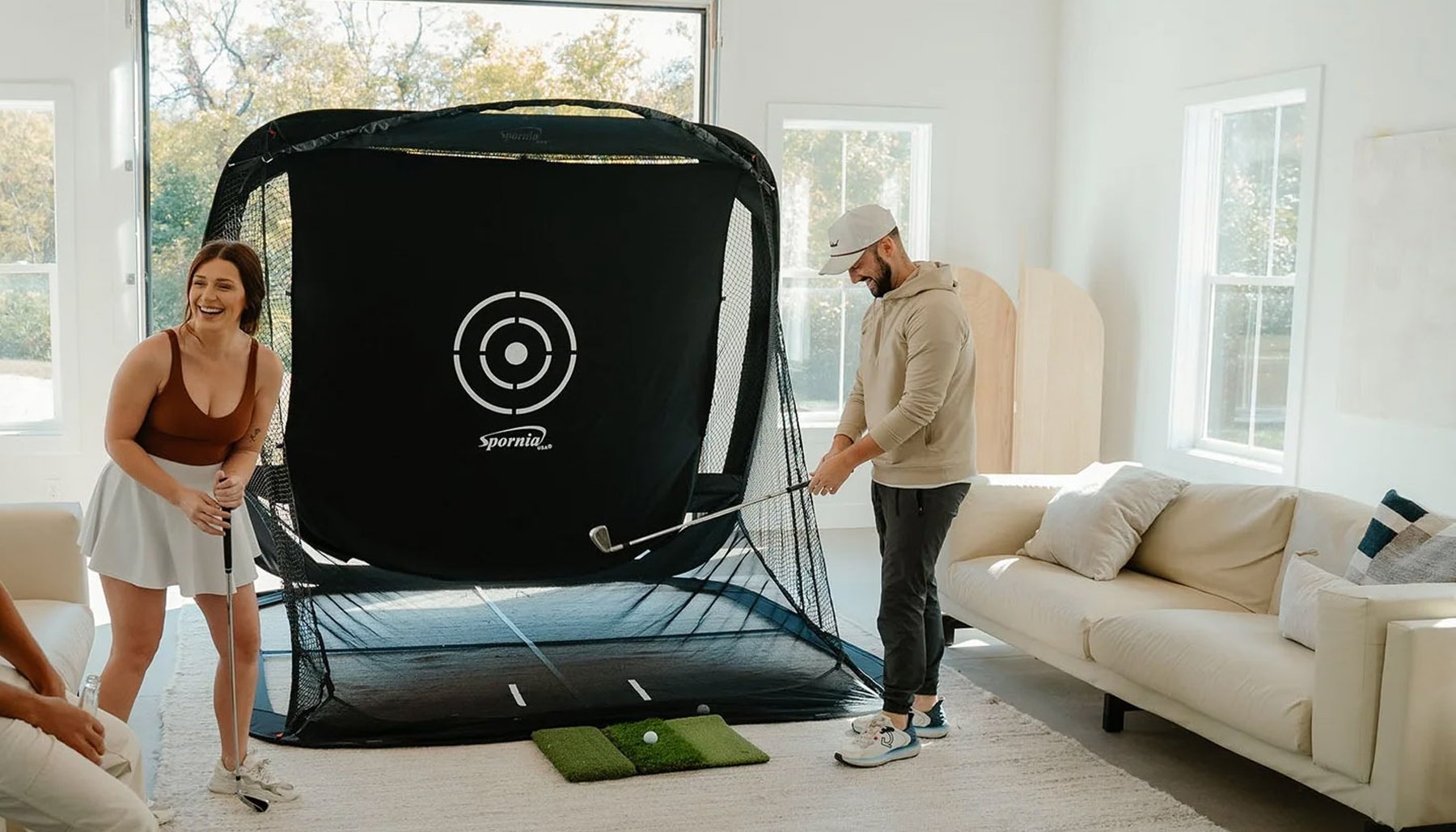
A golf simulator enclosure needs to fit your available space, but the golfer also needs enough room to swing comfortably. Your impact screen, hitting position, projector, launch monitor and golf mat all need to work within that same space.
A simple way to approach the decision is:
Measure the Room. Check Your Swing. Then Choose the Enclosure.
Before choosing a golf simulator enclosure, look at the complete simulator room, not just the dimensions of the enclosure.
Here are the most important things to consider:
1. Measure Your Available Room
Start with three measurements.

Ceiling Height
Measure from the finished floor to the lowest obstruction above the hitting area.
Consider garage-door tracks, openers, lights, beams, ductwork and anything else that could interfere with your golf swing.
Room Width
Measure the usable width of the simulator area.
Wider rooms can provide more freedom when positioning the golfer and can make it easier to accommodate both right-handed and left-handed golfers.
Total Room Depth
Measure the complete usable depth of the room — not simply the space where you expect the enclosure to sit.
The golfer, hitting area and simulator equipment also require space.
2. Make Sure You Can Swing Before You Buy
An enclosure can physically fit into a room while the golfer cannot comfortably make a full golf swing.
Take the clubs you expect to use in the simulator — including your driver if you plan to hit driver indoors — and carefully test your normal swing in the proposed hitting area.
Golfers have different heights, arm lengths, swing planes and swings.
Your actual swing is more important than a generic room-size recommendation.
3. Enclosure Fit and Simulator-Room Fit
Are Not the Same Thing
An enclosure fitting in your room does not automatically mean your complete golf simulator fits.
You may also need room for:
- Your golf swing
- Your hitting position
- Appropriate space between the golfer and impact screen
- Your golf mat or hitting surface
- Your projector
- Your launch monitor
- Equipment-specific placement requirements
- Appropriate clearance around the simulator
- Seating or other room features, if desired
Plan the complete simulator before ordering the enclosure.
4. Decide How Much Enclosure Depth You Need
Enclosure depth affects how much of the hitting area is surrounded and how much floor space the enclosure occupies.
America's Golf Mats offers different enclosure depths because golfers have different rooms and different needs.
The deepest enclosure is not automatically the best choice. The best depth is the one that works with your available room and desired level of coverage.
America's Compact™
America's Compact™ is designed for golfers who need to conserve floor space.
Its compact 2-foot depth makes it a strong choice for smaller rooms, garages, basements and other spaces where a deeper enclosure may occupy more room than desired.
America's Choice™
America's Choice™ provides a deeper enclosure for golfers building home, garage, basement and dedicated indoor golf simulator rooms.
The 5-foot depth provides more enclosure depth than our compact Compact™ while still fitting many residential simulator spaces.
America's SafetyMax™
America's SafetyMax™ is designed for golfers who want additional golf-ball containment and protection around the hitting area.
Its 6-foot depth works together with safety-focused features including RIPSTOP360™ top and side protection, a commercial baffle net behind the impact screen and protective foam.
America's Wall-to-Wall Studio Series™
America's Wall-to-Wall Studio Series™ is designed for larger golf simulator rooms, teaching and training spaces, golf academies and commercial installations.
Available in 16-, 18- and 20-foot widths with 5- or 8-foot depth options, the Wall-to-Wall Studio Series™ is designed for installations with more room to work with.

5. Choose the Right Enclosure Height and Width
Once you understand your room and the depth you want, choose an enclosure height and width that work with the available space.
A larger enclosure can provide a larger screen area and more surrounding coverage, but it still needs to work correctly with your room, golf swing, hitting position, projector, launch monitor and desired screen format.
The best golf simulator enclosure isn't automatically the largest enclosure. It's the enclosure that works best in your room.
6. Think About Ball Containment and Protection
Not every golfer needs the same amount of enclosure coverage.
A single experienced golfer practicing at home may have different needs than a family, teaching professional, golf academy or commercial facility where golfers of different skill levels use the simulator.
Also consider what surrounds the simulator. Walls, windows, equipment and other objects may need protection from shots that miss the center of the impact screen.
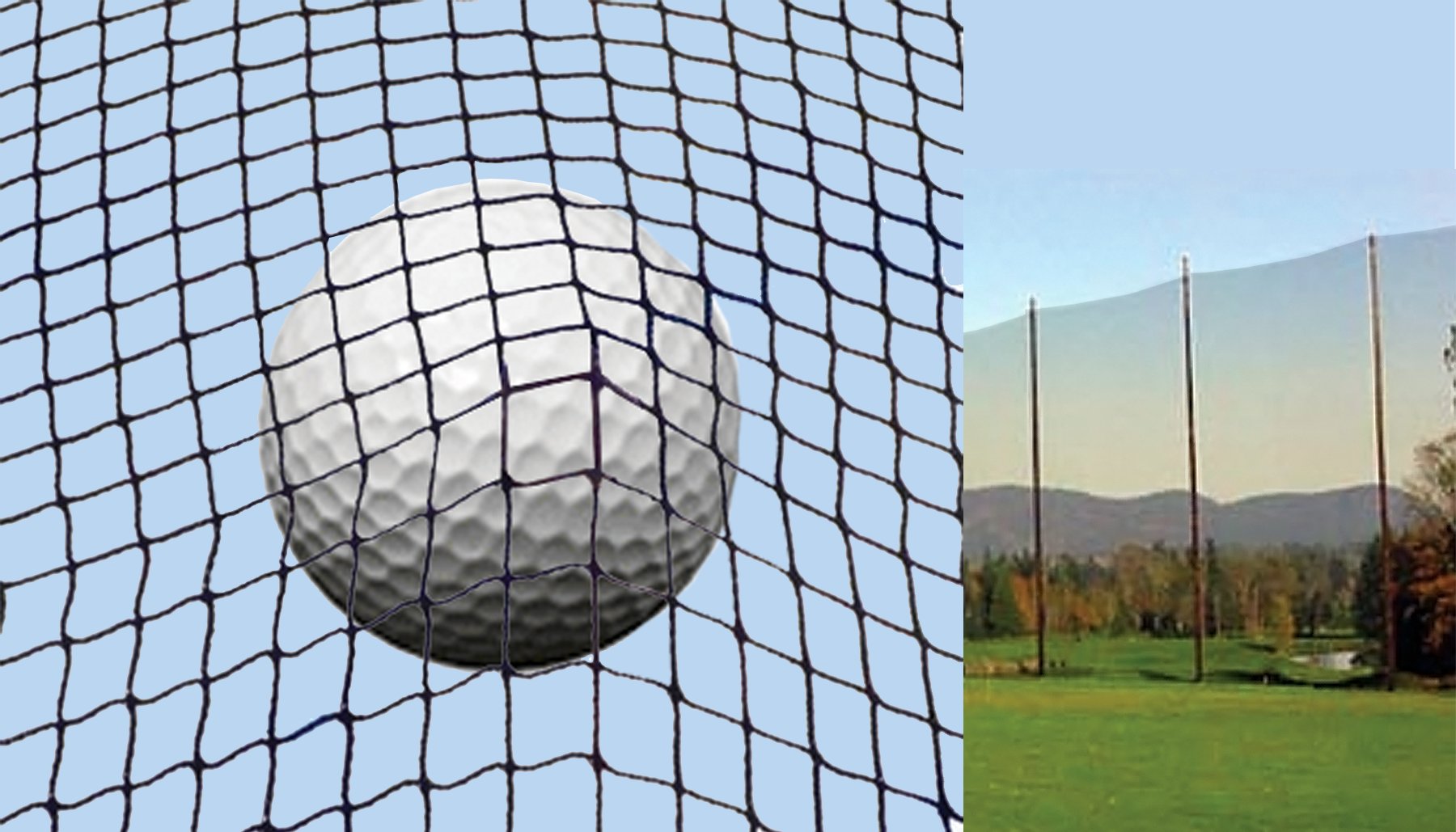
Enclosure depth, side and overhead coverage, baffles, protective foam and optional safety netting can all play a role.
If additional containment and protection are priorities, compare those features carefully rather than choosing an enclosure based only on screen size.
7. Understand Golf Simulator Screen Aspect Ratios
Aspect ratio refers to the shape of the projected image.
Two common formats are 4:3 and 16:9.
4:3 Aspect Ratio
A 4:3 aspect ratio creates a more square-shaped image and can work well where available height is easier to accommodate than additional screen width.
16:9 Aspect Ratio
A 16:9 aspect ratio creates a wider image familiar from modern televisions and projectors. It can work well when the simulator room and enclosure provide sufficient width for a widescreen setup.
Match the Screen and Projector
Whenever practical, plan your impact-screen dimensions and projector together.
Projector native aspect ratio, throw distance, mounting location and intended image size all affect how efficiently the projected image uses the available screen area.
8. Check Your Launch Monitor Requirements
Different launch monitors use different technologies and placement methods.
Some operate beside the ball. Others mount overhead or operate from behind the hitting area.
Because requirements vary by manufacturer and model, there is no single launch-monitor distance that is correct for every golf simulator.
Check the manufacturer's current installation and space requirements for your specific launch monitor before finalizing the enclosure and room layout.
9. Consider Your Projector Before Finalizing the Room
Projectors vary in throw distance, mounting position, native aspect ratio, image size and brightness.
The projector needs to produce the desired image on the available impact-screen area without creating an installation that interferes with the golfer.
You don't need to become a projector expert before choosing an enclosure, but you should make sure the room, enclosure, impact screen and projector work together.
10. Know What's Included With the Enclosure
Before comparing prices, compare what you are actually buying.
Ask:
- Is the golf simulator impact screen included?
- What top and side enclosure material is included?
- What protective components are included?
- Are frame poles included or sold separately?
- Can the required frame poles be sourced locally?
- Is a pre-cut frame-pole option available?
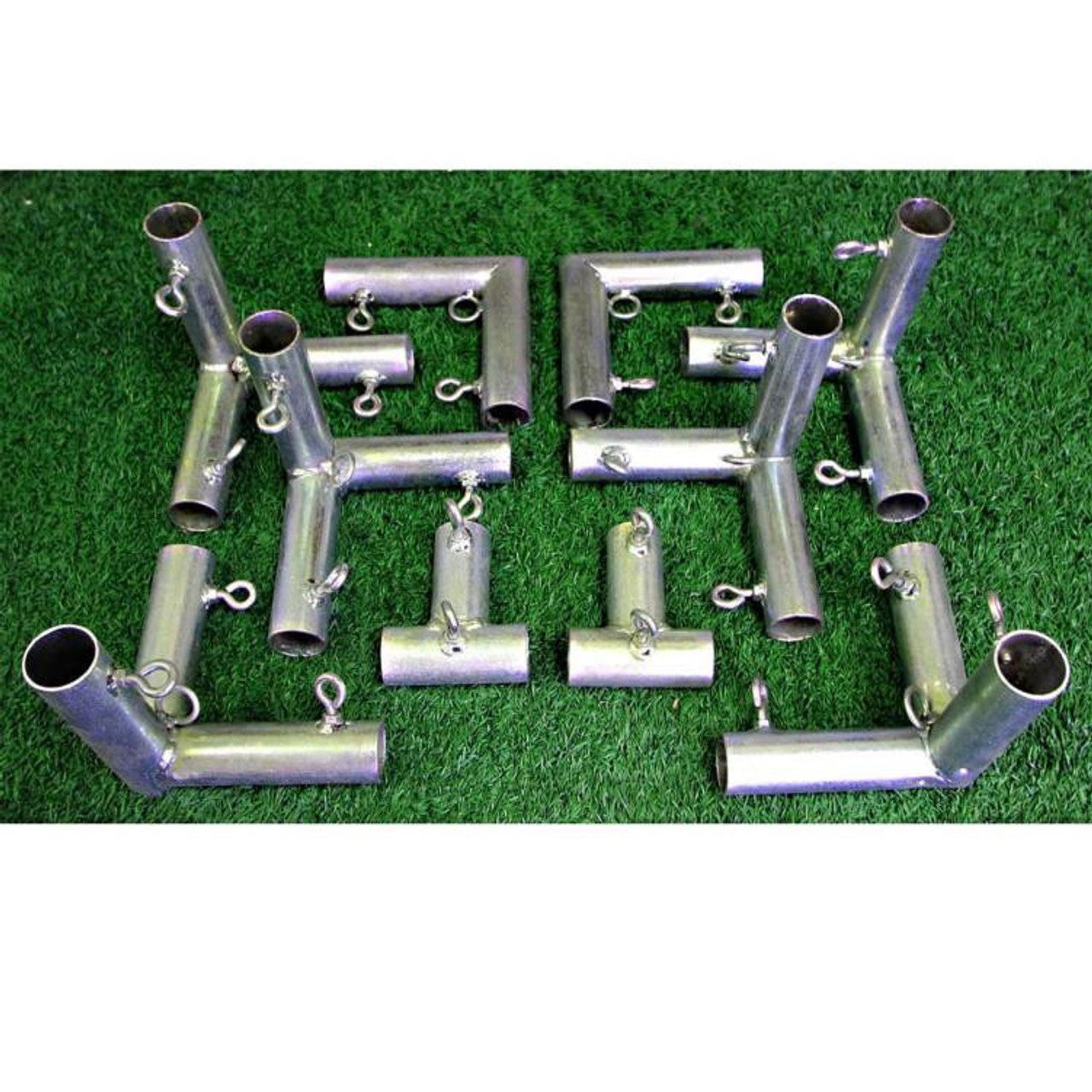
Where applicable, America's Golf Mats customers can save money by sourcing and cutting specified 1" EMT poles locally, or choose an available pre-cut 1" EMT Pole Kit for easier assembly.
Understanding what is included — and what is optional — makes it easier to compare the actual cost of an enclosure.
11. Match the Best Enclosure to
How You Will Use It
The word best means different things depending on the golfer, room and intended use.
So, What Is the Best Golf Simulator Enclosure?
There is no single golf simulator enclosure that is best for every golfer.
The best enclosure is the one that matches your room, swing, equipment, desired enclosure depth, ball-containment needs and how you plan to use the simulator.
Start by measuring the room and checking your golf swing.
Then consider your projector and launch-monitor requirements, how much enclosure depth and protection you want, and which enclosure dimensions fit the complete simulator space.
Once you know those things, choosing the best golf simulator enclosure for your particular setup becomes much easier.
Ask SARA
America's Golf Simulator Enclosure Expert™
America's Golf Mats has decades of experience in the golf industry, with our golf simulator enclosure manufacturing experience dating to 2010.
Our goal with Ask SARA is straightforward: provide clear answers to the questions golfers ask when planning home, garage, teaching and commercial golf simulator installations.
Prepared by the America’s Golf Mats Editorial Team
Reviewed by David Quail — America's Golf Mats
Golf products industry experience since 1997.
Golf simulator enclosure manufacturing experience dating to 2010.
Meet David Quail - Golf Simulator Enclosure Expert →


