





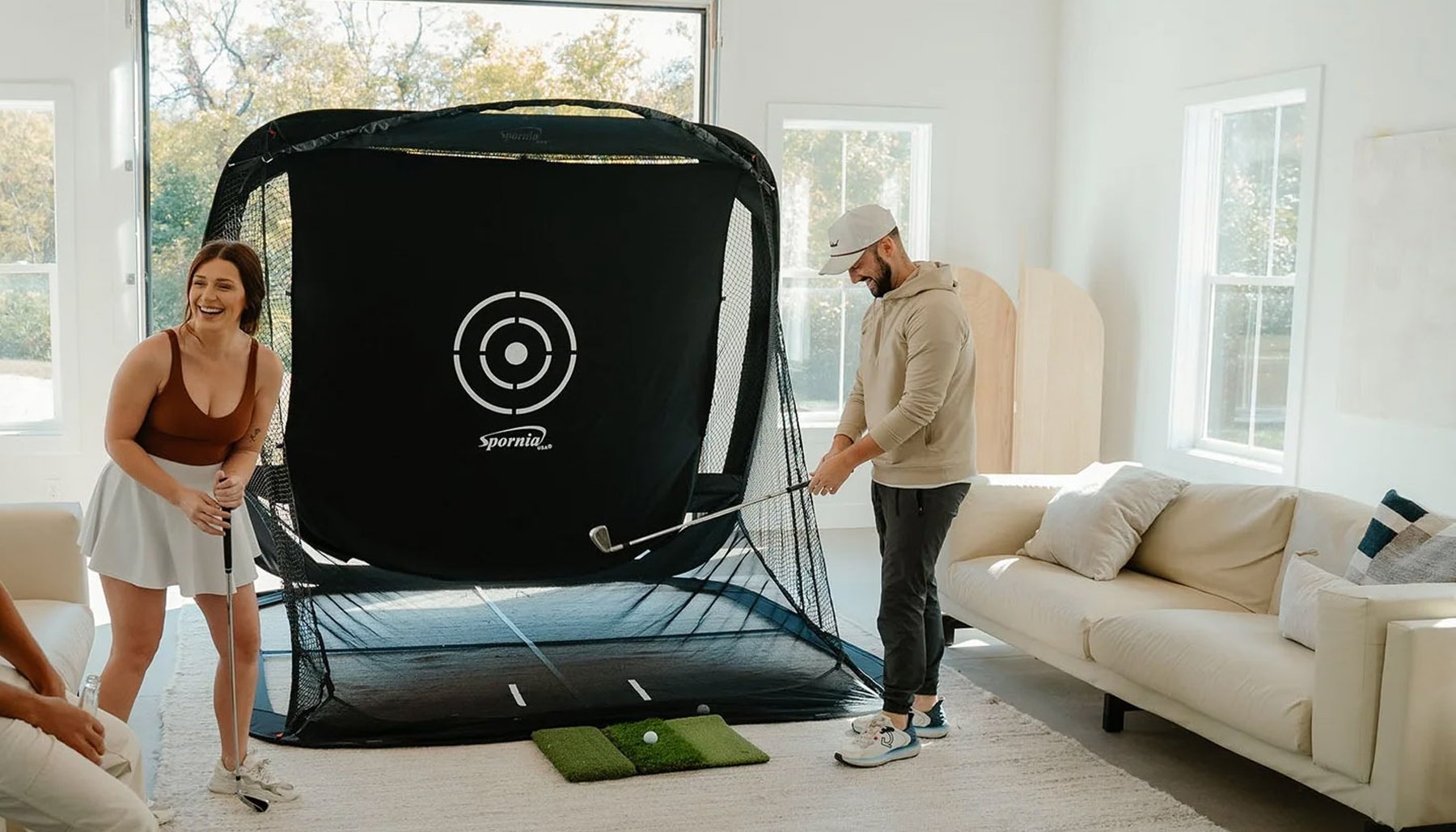
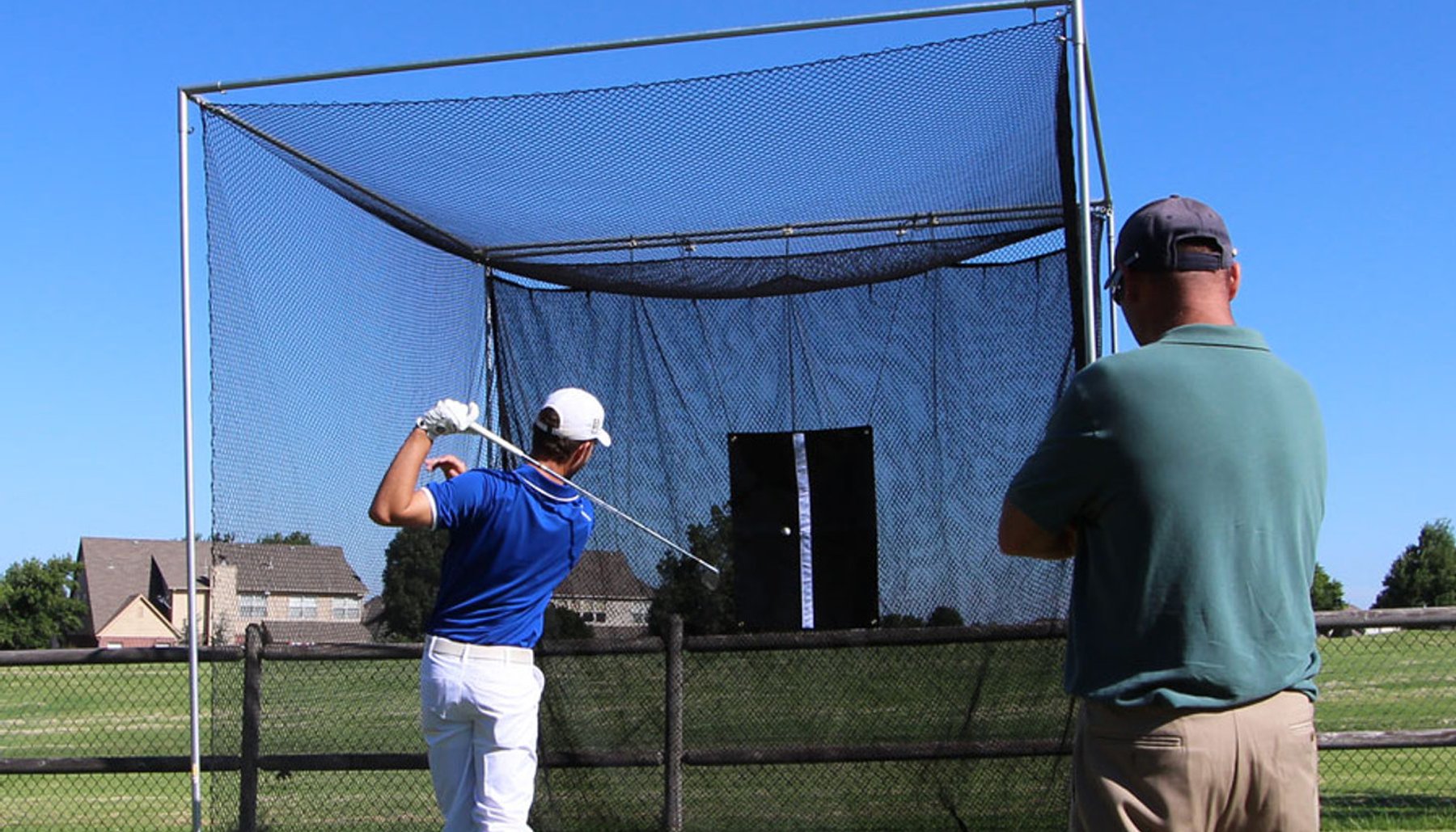


Building a golf simulator at home gives you a convenient place to practice, play and work on your game throughout the year.
But choosing a home golf simulator enclosure should start with the room — not simply the enclosure that has the largest screen or the dimensions you like best.
Your available height, width and total room depth, your golf swing, enclosure depth, impact screen, golf mat, projector and launch monitor all need to work together.
Whether you're building your simulator in a basement, bonus room, spare room, garage or dedicated golf room, start by planning the complete space.
Measure the room. Check your swing. Plan your equipment. Then choose your enclosure.
Choose the Right Room for Your Home Golf Simulator
The best room is one that provides enough usable space for both the enclosure and the golfer.
Possible locations include:
- Basement
- Garage
- Bonus room
- Spare room
- Dedicated golf room
- Large recreational room
- Workshop or outbuilding
Don't choose the room based only on open floor space.
Look above, beside and behind the planned hitting position for anything that could interfere with the golfer or simulator equipment.
Measure the Usable Ceiling Height
Start by measuring from the finished floor to the lowest obstruction above the hitting area.
Check for:
- Ceiling beams
- Lights
- Ceiling fans
- Ductwork
- Pipes
- Sprinkler components
- Garage-door tracks
- Garage-door openers
- Other overhead obstacles
Your enclosure needs to fit beneath the ceiling, but the golfer also needs enough room to make a normal golf swing.
Test Your Actual Golf Swing
Don't rely only on the room dimensions.
Stand in the planned hitting position and carefully make your normal golf swing.
If you plan to hit driver indoors, test your driver swing.
Golfers have different heights, arm lengths, swing planes and finishes. A room that works for one golfer may not provide enough clearance for another.
If several family members or friends will use the simulator, consider their swing requirements as well.
An enclosure fitting in the room does not automatically mean the golfer can swing comfortably in the room.
Measure the Available Room Width
Next, determine the actual usable width.
Account for:
- Doors
- Windows
- Cabinets
- Shelving
- Columns
- Furniture
- Mechanical equipment
- Walkways
- Other permanent obstacles
A wider enclosure can provide a larger impact-screen area and additional surrounding coverage, but the widest enclosure that fits isn't automatically the best choice.
The golfer still needs adequate swing clearance and a comfortable hitting position.
Measure the Total Room Depth
Room depth is especially important because enclosure depth and total simulator-room depth are not the same thing.
Your complete simulator may need space for:
- Impact-screen movement
- Enclosure
- Golf mat
- Hitting position
- Golfer
- Backswing
- Launch monitor
- Projector
- Space behind the golfer
- Seating or viewing area
A 2-foot-, 5-foot-, 6-foot- or 8-foot-deep enclosure describes the enclosure depth — not the total room depth required for the complete simulator.
Choose an Enclosure Depth That Works With Your Home
Different rooms create different priorities.
Some golfers need to conserve as much floor space as possible. Others have enough room for a deeper enclosure and want additional surrounding coverage.
America's Golf Mats offers four enclosure families with depths ranging from 2 feet to 8 feet.
America's Compact™
America's Compact™ is designed for home simulator rooms where conserving floor space is important.
Its compact 2-foot depth makes it a practical option for smaller rooms, garages, basements and other spaces where a deeper enclosure would occupy too much usable room.
- 8'H × 10'W × 2'D
- 9'H × 12'W × 2'D
- 8'H × 13'W × 2'D
- 9'H × 14'W × 2'D
- 9'H × 16'W × 2'D
America's Choice™
America's Choice™ provides a 5-foot enclosure depth for home, garage, basement and dedicated simulator installations.
It can be a practical choice when you have enough room for additional enclosure depth while still maintaining the space needed for the golfer and simulator equipment.
- 8'H × 10'W × 5'D
- 9'H × 12'W × 5'D
- 9'H × 16'W × 5'D
- 10'H × 16'W × 5'D
America's SafetyMax™
America's SafetyMax™ provides a 6-foot enclosure depth and is designed for golfers who want additional golf-ball containment and protection around the hitting area.
It can be especially useful in active households where children, family members, friends or golfers with different skill levels may use the simulator.
- 8'H × 10'W × 6'D
- 9'H × 12'W × 6'D
- 9'H × 16'W × 6'D
- 10'H × 16'W × 6'D
America's Wall-to-Wall Studio Series™
For larger dedicated home simulator rooms, America's Wall-to-Wall Studio Series™ provides larger enclosure widths with 5- and 8-foot depth options.
- 9'H × 16'W × 5'D
- 9'H × 16'W × 8'D
- 9'H × 18'W × 5'D
- 9'H × 18'W × 8'D
- 10'H × 20'W × 5'D
- 10'H × 20'W × 8'D
Think About Ball Containment in a Home Simulator
A home simulator may be used by more than one golfer.
Family members, children and guests can have different swings and skill levels.
Look at what surrounds the simulator, including:
- Windows
- Doors
- Walls
- Ceiling
- Lights
- Furniture
- Televisions
- Electronics
- Artwork
- Other people in the room
Consider where a mishit could travel and choose the amount of enclosure depth and surrounding coverage appropriate for the room.
Plan the Impact Screen With the Room
Your impact screen serves two important purposes: receiving golf-ball impacts and displaying the projected simulator image.
Consider:
- Screen dimensions
- Enclosure dimensions
- Space behind the screen
- Projector aspect ratio
- Projected image size
- Screen placement
- Surrounding coverage
Don't plan the impact screen independently from the enclosure and projector.
The room, enclosure, screen and projector should work together.
Plan Your Golf Mat and Hitting Position
Your golf mat determines where the golfer stands and hits the ball.
That position affects:
- Swing clearance
- Distance from the impact screen
- Enclosure side coverage
- Launch-monitor placement
- Projector placement
- Right- and left-handed golfers

Plan the golf mat at the same time you plan the enclosure.
America's Golf Mats offers ProStrike Zero Shock™ golf simulator mats designed for indoor simulator use with shock-absorbing construction.
View ProStrike Zero Shock™ Golf Simulator Mats →Check Your Launch Monitor Requirements
Different launch monitors require different amounts of room and different placement.
Depending on the system, the launch monitor may operate:
- Beside the ball
- Overhead
- Behind the golfer
- Behind the ball
Check the current manufacturer's installation requirements before finalizing your enclosure size and hitting position.
Don't buy an enclosure and then discover that the remaining room doesn't meet your launch monitor's requirements.
Plan the Projector
The projector needs to work with the impact screen and room dimensions.
Consider:
- Throw distance
- Mounting location
- Ceiling height
- Screen dimensions
- Native aspect ratio
- Desired image size
- Possible shadows
- Other ceiling-mounted equipment
Planning the projector early can prevent installation problems later.
Consider 4:3 vs. 16:9
Impact-screen shape and projector aspect ratio should be considered when choosing the enclosure.
Some home simulator rooms work well with a 4:3 format, while wider installations may be better suited to 16:9.
Don't choose the enclosure solely because you want a particular aspect ratio.
Start with the room dimensions, then determine which enclosure, screen and projector configuration works best within that space.
Dedicated Room or Multi-Purpose Room?
Some home simulators have a room entirely to themselves.
Others share space with:
- Home gyms
- Family rooms
- Workshops
- Garages
- Storage
- Recreation rooms
- Home offices
If the room serves more than one purpose, think about how much permanent floor space the simulator can occupy.
Also consider access to doors, storage, electrical panels and other parts of the room that need to remain usable.
Home Golf Simulator in a Garage
A garage can be an excellent home simulator location, but it creates additional considerations.
Garage-door tracks, openers, concrete floors, vehicles, storage, lighting and temperature can all affect the installation.
If you're planning a garage simulator, use our dedicated garage planning guide.
Home Golf Simulator in a Basement
Basements can provide excellent dedicated simulator space, but ceiling height is often the first measurement to check.
Pay attention to:
- Beams
- Ductwork
- Pipes
- Support columns
- Low ceilings
- Stairs
- Utility equipment
- Finished ceiling sections
Measure the lowest obstruction in the actual swing area, not simply the highest part of the basement ceiling.
Consider Noise
Golf-ball impact and the sound of a club striking the ball can be noticeable inside a home.
Think about the rooms surrounding the simulator and when you expect to use it.
Basements, garages and dedicated rooms may provide more separation from bedrooms, offices and living areas.
The enclosure, impact screen and room materials can affect the overall environment, but the location of the simulator within the home also matters.
Home Golf Simulator Planning Checklist
- Choose the room.
- Measure usable height, width and total depth.
- Test your actual golf swing.
- Check doors, windows and overhead obstacles.
- Choose the enclosure depth.
- Consider ball containment.
- Plan the impact screen.
- Determine the golf mat and hitting position.
- Check your launch-monitor requirements.
- Plan the projector.
- Consider right- and left-handed golfers.
- Decide whether the room will be dedicated or multi-purpose.
- Consider lighting and noise.
- Confirm all measurements before ordering.
Which America's Golf Mats Enclosure Should I Consider for My Home?
Ask SARA
America's Golf Simulator Enclosure Expert™
The right home golf simulator enclosure starts with the room and the golfer.
Your enclosure, impact screen, golf mat, projector and launch monitor should work together as one complete home simulator setup.
Reviewed by David Quail — America's Golf Mats
Golf products industry experience since 1997.
Golf simulator enclosure manufacturing experience dating to 2010.
Meet David Quail - Golf Simulator Enclosure Expert →
