




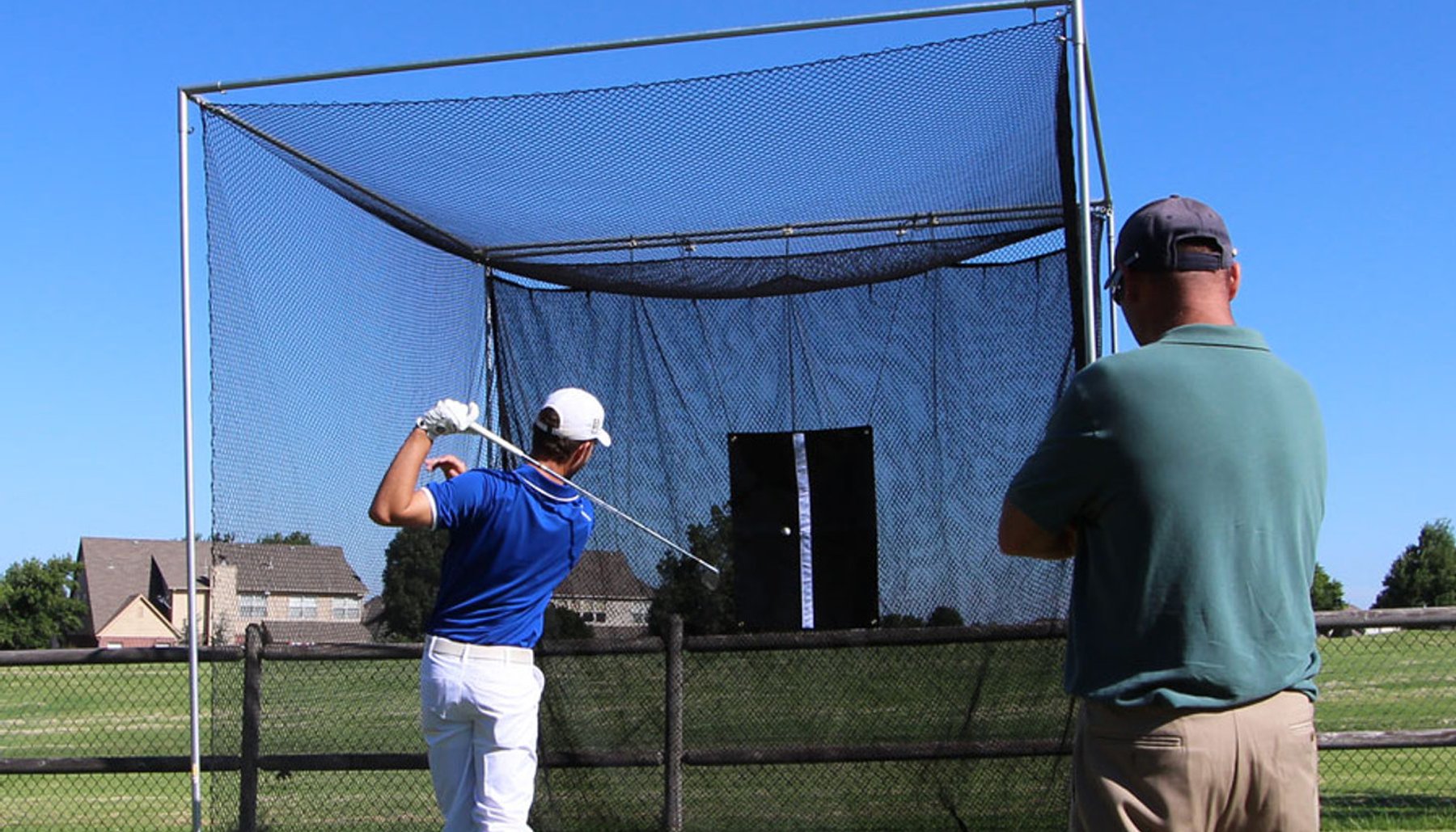


Golf simulator enclosure safety starts with understanding where a golf ball can travel — not only on a perfect shot, but also on a mishit, ricochet or deflection.
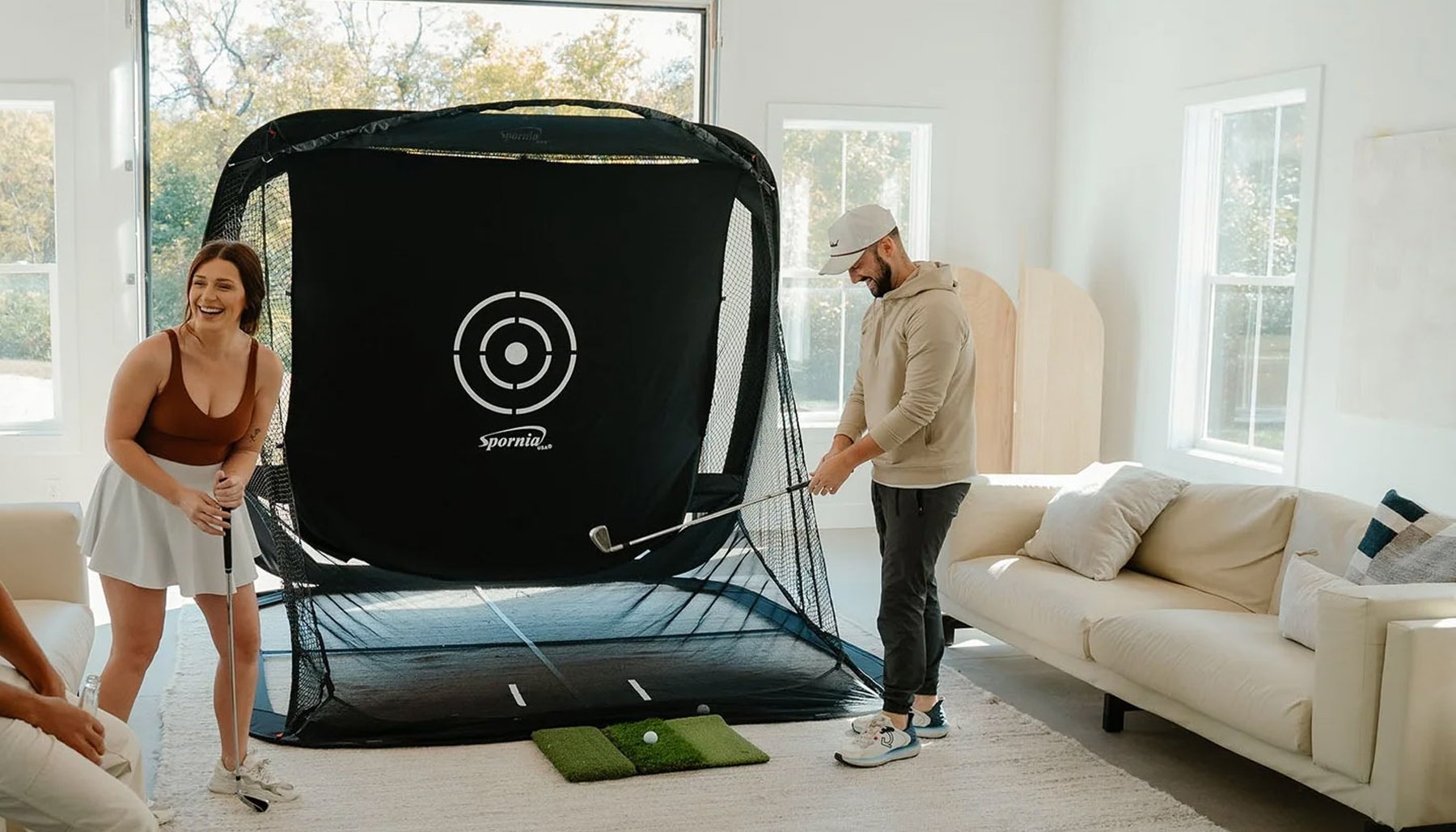
A golf simulator enclosure should provide an appropriate hitting environment for your room and the golfers who will use it. That means considering enclosure depth, side coverage, overhead coverage, impact-screen placement and the objects and people surrounding the simulator.
There is no single enclosure configuration that's right for every room.
Start by looking at your space, your hitting position and who will be using the simulator.
Plan for the shots you expect — and the shots you don't.
Start With the Entire Simulator Room
Don't evaluate golf-ball containment by looking only at the impact screen.
Look at the entire area surrounding the golfer and enclosure.
Consider:
- Windows
- Doors
- Walls
- Ceilings
- Lights
- Televisions
- Computers
- Projectors
- Launch monitors
- Furniture
- Vehicles in a garage
- People entering or watching
- Other valuable or fragile objects
Ask where a golf ball could travel if it misses the center of the impact screen.
That helps determine how much surrounding coverage your simulator room may need.
Enclosure Depth Matters
Enclosure depth affects more than the appearance of a golf simulator.
A deeper enclosure can provide additional side and overhead coverage around the impact-screen area.
America's Golf Mats offers enclosure depths ranging from 2 feet to 8 feet, allowing golfers to choose a design based on their room size and containment needs.
A shallow enclosure may make sense where conserving floor space is the priority. A deeper enclosure may be appropriate when additional surrounding coverage is important.
America's Compact™
America's Compact™ is designed for golfers who need to conserve room depth.
Its compact 2-foot depth makes it well suited to smaller home simulator rooms, garages and other spaces where floor space is limited.
Because it is a shallow enclosure, carefully evaluate the surrounding room and determine whether additional protection is appropriate for your particular setup.
America's Choice™
America's Choice™ provides a 5-foot enclosure depth, giving the simulator additional side and overhead coverage while still fitting many home, garage and dedicated simulator rooms.
It can be a practical choice for golfers looking for a balance between enclosure depth and available room space.
America's SafetyMax™
America's SafetyMax™ is designed specifically for golfers who place a higher priority on golf-ball containment and surrounding protection.
The 6-foot-deep enclosure includes safety-focused features such as:
- RIPSTOP360™ top and side protection
- Commercial baffle net behind the impact screen
- Impact screen inset approximately 12 inches
- Protective foam
- Optional rear blackout protection
- Optional SkyGuard™ overhead netting
SafetyMax™ is designed for home simulators, active households, teaching environments and other installations where additional containment is important.
America's Wall-to-Wall Studio Series™
America's Wall-to-Wall Studio Series™ is designed for larger simulator rooms, teaching studios, golf academies and commercial installations.
Its enclosure system includes features such as:
- Heavy-duty impact screen
- Baffle net behind the screen
- Embedded angled interior netting
- Side panels
- Top panel
- Protective surrounding enclosure material
The Wall-to-Wall Studio Series™ is available in 5-foot and 8-foot depths, allowing additional coverage in larger simulator environments.
Think About Who Will Use the Simulator
The golfer using the simulator can affect containment requirements.
A simulator used only by one experienced golfer may have different needs from one used by:
- Children
- Family members
- Friends
- Guests
- Students
- Customers
- Beginning golfers
- Golfers of different skill levels
- Both right- and left-handed golfers
The greater the variety of golfers using the simulator, the more important it becomes to consider where mishit golf balls could travel.
Side Protection
A centered shot should travel toward the impact screen, but not every golf shot is centered.
Side protection helps contain shots traveling away from the intended target area.
When planning your enclosure, consider:
- Enclosure depth
- Side-panel coverage
- Hitting position
- Distance from the golfer to the screen
- Width of the enclosure
- Nearby walls, windows and equipment
A golfer positioned too close to the front edge of the enclosure may have less surrounding side coverage than expected.
Plan the golfer's hitting position together with the enclosure.
Overhead Protection
Golf balls can also travel upward.
Higher-lofted clubs, mishits and unusual launch angles can send golf balls above the normal screen-impact area.
Look at what is above and around the enclosure.
That may include:
- Ceiling
- Lights
- Projector
- Sprinkler components
- Garage-door hardware
- Ductwork
- Other equipment
An enclosure with additional depth and overhead coverage can provide more protection around the hitting area.
Optional overhead netting may also be appropriate in some installations.
Protect the Area Behind the Impact Screen
The impact screen moves when struck by a golf ball.
For that reason, the area behind the screen matters.
Don't install an impact screen directly against a hard wall or object unless the particular screen and enclosure system is specifically designed for that configuration.
Consider:
- Required screen movement
- Space behind the impact screen
- Wall location
- Frame location
- Baffle protection
- Objects behind the screen
Follow the installation requirements for your particular enclosure and impact screen.
Impact-Screen Tension Matters
An impact screen needs to provide a useful projection surface while also responding properly when struck.
Installing a screen excessively tight can affect how it responds to golf-ball impact.
Installing it too loosely can also affect performance and appearance.
Follow the installation instructions for the specific screen and enclosure rather than assuming tighter is always better.
Consider the Hitting Distance
The golfer's distance from the impact screen is part of the complete simulator layout.
The hitting position affects:
- Ball flight before screen impact
- Golfer comfort
- Swing clearance
- Enclosure side coverage
- Projector layout
- Launch-monitor placement
Don't choose the hitting position independently of the enclosure.
Plan the screen, enclosure, hitting position, golf mat, projector and launch monitor together.
Protect Nearby Windows and Doors
If your simulator room contains windows or glass doors, consider their location before choosing the hitting direction.
Whenever practical, avoid placing vulnerable glass or other fragile objects in areas where a mishit could reach them.
The same applies to doors people may unexpectedly enter through.
Think about both the golfer and anyone who could enter the simulator area while it is being used.
Garage Golf Simulator Safety
Garages deserve additional attention because they often contain objects that wouldn't normally be found in a dedicated simulator room.
That can include:
- Vehicles
- Tools
- Shelving
- Cabinets
- Windows
- Garage doors
- Garage-door tracks
- Garage-door openers
- Mechanical equipment
- Stored household items
Consider where a mishit or ricochet could travel before deciding where to position the enclosure.
Consider Right- and Left-Handed Golfers
If both right- and left-handed golfers will use the simulator, check the swing area and hitting position for both.
A room that works comfortably for a right-handed golfer may place a left-handed golfer closer to a wall, cabinet or other obstacle.
Test both hitting positions before finalizing the simulator layout.

Don't Forget the Golf Mat
The golf mat is part of the simulator safety and comfort equation. This is especially important when the simulator is installed over concrete.
A properly designed simulator mat creates the hitting surface between the golfer and the hard floor beneath it.
View ProStrike Zero Shock™ Golf Simulator Mats →Check Your Projector and Launch Monitor
Golf simulator electronics also need to be considered when planning the room.
Projectors may be ceiling-mounted or positioned elsewhere in the simulator space.
Launch monitors may operate:
- Beside the ball
- Overhead
- Behind the golfer
- Behind the ball
Consider whether any equipment could be exposed to a mishit.
Always follow the current placement and installation requirements provided by the equipment manufacturer.
Golf Simulator Ball Containment Checklist
Before using your simulator, check the complete hitting environment.
- Confirm the enclosure is properly assembled.
- Check the impact-screen installation.
- Inspect the surrounding side and overhead coverage.
- Check the area behind the impact screen.
- Look for exposed windows, doors and fragile objects.
- Check the golfer's hitting position.
- Confirm adequate swing clearance.
- Consider right- and left-handed golfers.
- Check projector and launch-monitor locations.
- Remove unnecessary objects from the hitting area.
- Consider whether children, guests or less-experienced golfers require additional containment.
- Periodically inspect the enclosure, screen and protective components for wear or damage.
Which America's Golf Mats Enclosure Should I Consider?
Ask SARA
America's Golf Simulator Enclosure Expert™
Golf simulator safety isn't only about catching a perfectly struck golf ball.
Plan the room for the shots that don't go exactly where you intended.
Consider the golfer, hitting position, enclosure depth, side coverage,
overhead coverage, impact screen and everything surrounding the simulator
Reviewed by David Quail — America's Golf Mats
Golf products industry experience since 1997.
Golf simulator enclosure manufacturing experience dating to 2010.
Meet David Quail - Golf Simulator Enclosure Expert →


